
Workflows
Three AI video workflows compared: MCP, Agents and Skills
Compare how Agents, Skills and MCP fit into video production, with a rikoko example that adapts a reference ad into a cold brew coffee campaign.
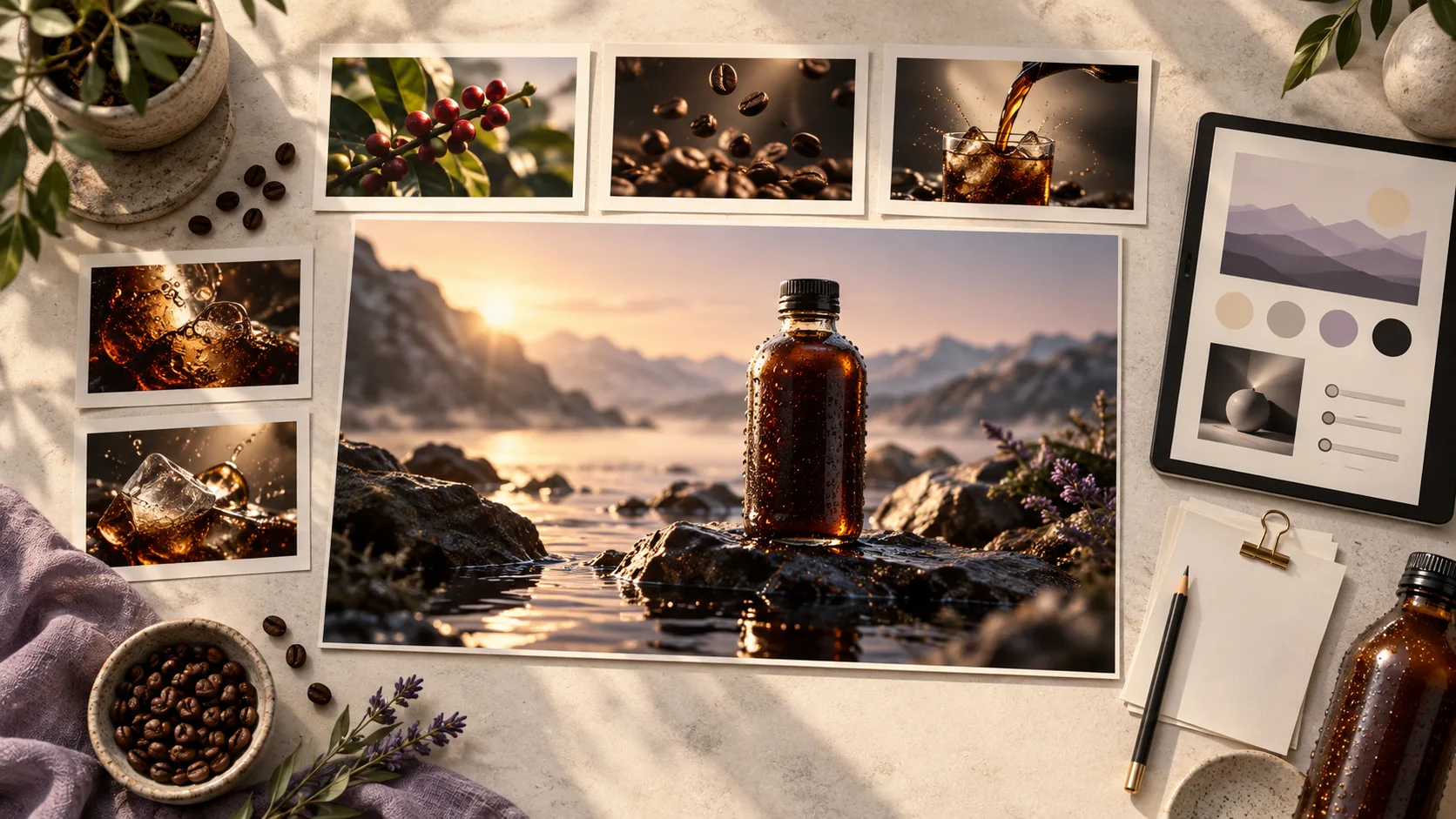
TL;DR The differences among the three workflows
- Agent: Work in a standalone product. Users describe their needs in a dedicated video application, and its built-in agent organizes production.
- Skill: Give an existing host agent a production method. Install a Skill in a host such as Codex or Claude Code so it can make videos following the specified standards and workflow.
- MCP: Connect production tools to let them work together. Users stay in their conversation with the host agent, which connects reference analysis, model generation, editing and export through services such as rikoko.
AI video workflows can be divided into three common forms: Agents, such as Invideo and HeyGen Video Agent; Skills, such as Remotion Skills; MCP, such as rikoko. The most direct difference lies in where users create videos and how production capabilities are accessed.
In all three workflows, users set the goals and budget and approve the finished video; agents plan the work and assess the results; models and tools carry out the actions. Skills give agents production methods, while MCP lets agents connect to and call external production services.
The main difference among the three workflows: where users create videos
Agent: Complete production in a dedicated video product
Independent video agents have their own product entry points. Users open their website or app, upload materials, explain requirements, confirm solutions, and then preview and modify the finished video. Operations such as scripting, generation, and editing are organized by the product's agent, and the user's creative process is centralized within this product.
↶ Revision requests return to the agent inside the product so production can continue.
Invideo AI Agents Put scripts, storyboards, generation, and editing in one creative product. HeyGen Video Agent also provides a standalone product: users choose an avatar, supply scripts and assets, and confirm the production plan in HeyGen. This approach suits people who want to start making videos in a dedicated interface for previewing and revising their work.
Skill: Bring a production method into your existing host agent
A Skill is an installable package of instructions. Users keep working in hosts such as Codex and Claude Code. The host reads the steps, standards, references and templates in the Skill and uses them to complete the task. Its main purpose is to explain how to do the work , such as writing shot prompts, organizing animation, placing subtitles or following a brand style.
↶ The host uses the Skill to adjust its approach; execution depends on the tools available.
Remotion Official Skills are one example: they provide the host with methods for creating video projects, writing animations, handling subtitles and rendering. Remotion and its runtime still perform the actual rendering. Teams can also turn their storyboard standards, brand language and subtitle styles into Skills for repeated use.
Source: Agent Skills official description . A Skill can include executable scripts, so it can be more than a prompt. Installing it does not, however, establish connections to external model services, asset systems or the required runtime.
MCP: Allows the host to call the video service to connect multiple production stages
MCP provides a standard way for a host to connect to and call external tools. Users can stay in their existing conversation while the host discovers available capabilities, submits operations, checks progress and continues production using the returned results. It primarily addresses how tools connect and how production stages work together .
← The analysis results, task status, materials, and versions are returned to the host, who determines the next step and delivers it to the user.
With rikoko, for example, the host can analyze a reference video, prepare requests to generate new shots, then place the assets on a timeline for editing. When the user requests a change, the host reads the current project and adjusts the relevant content. rikoko handles production operations and project records; the host makes storyboard choices and evaluates the visuals; the user approves the final result.
Source: Official MCP Architecture Description . The host organizes the work; the service implements project saving, version management and specific video capabilities. MCP itself does not automatically provide creative direction or collaborative editing by multiple users.
| Format | Where to use it | What it provides |
|---|---|---|
| Agent | Independent video products | A complete video production experience |
| Skill | An existing host with the Skill installed | Production methods, rules, and templates |
| MCP | A host connected to the service | Tool integration and production collaboration |
How MCP connects video production into one workflow
Bring existing material into production
Product benefits, audience research and brand guidelines already organized in the host can also inform video planning. The host reads the material it has permission to access, turns it into a storyboard, and calls rikoko to produce it. Users do not need to switch products and explain the background and agreed creative requirements from scratch.
This requires actual data handover: the host reads the data and sends it to the tool, and images and videos must also be successfully imported. Connecting to MCP provides a collaboration channel, but the host still needs to select the correct content and operations.
Connect analysis, generation and editing
The shot structure identified during reference analysis can help the host write a new storyboard. That storyboard informs generation requests, and the generated assets then go into the edit. The service returns task status and asset identifiers, allowing the host to decide whether to wait, inspect the results or move on, without asking the user to move files manually between tools.
For example, "The coffee pouring action is not finished" and "Subtitles cover the bottle" require different operations: the former may require replacing or regenerating the shot, while the latter usually only needs to adjust the text layer. The host identifies the problem, rikoko performs the corresponding action, and then returns the new result to the host for review.
Keep revisions in the same project
After the finished video is completed, users can still say in the original dialogue "Change the ending text to 'Try it now'." The host reads the current project, calls editing tools to modify the corresponding content, reuses the accepted footage, and then saves and exports the new version. Generation, modification, and delivery can therefore continue around the same project.
This value comes from combining the production service’s state management with MCP integration. Whether a project can be restored, versions retained and individual elements edited accurately depends on the service. Continuing production in a different host also requires a connection to the same service and the necessary permissions.
How to choose: depends on whether you need a complete product, a production method, or tool collaboration
If you want to complete production directly in a dedicated video interface, select an independent agent. Uploading materials, confirming plans, previewing, and modifying are all completed in this product, making it suitable for users who want to get started quickly.
Choose a Skill when you already have the tools and want the host to follow a consistent method. For example, make the host follow the team's storyboard rules, prompt writing, brand tone, or subtitle styles. The main value of Skill is to turn production experience into reusable guidance.
Look at MCP when you want to connect multiple production stages to your host and keep revising the same project. Taking rikoko as an example, users can link reference analysis, material generation, subtitle and audio adjustment, timeline editing and export, and read the status and results of each step within the same conversation. This is suitable for users with existing host workflows and those who need to create and revise across tools.
Skill and MCP can be combined: Skill is used to tell the host how to design shots, and then the host calls rikoko through MCP to execute it. They respectively handle method guidance and service integration; whether they are convenient to use depends on the specific capabilities of the host and the tool.
Example: Using rikoko to adapt a reference ad into a cold brew coffee commercial
Suppose you like a sparkling water ad: ice drops into a glass, the drink pours in, the shot cuts to bubbles in close-up, and the final frame holds on the packaging. You want to borrow its shot rhythm for your own cold brew coffee ad. Gather a reference clip you can use, product images, your logo and approved selling points, then describe the task to your host agent.
Example request to the host agent
Use rikoko to make a 30-second vertical ad for my cold brew coffee, using this sparkling water ad as a reference. Keep the shot rhythm of ice cubes, pouring the drink and the closing product shot. Replace the bubble close-up with flowing coffee and droplets on the glass. Use the materials I provide for the product appearance, logo and copy. Show me an adaptation plan first, and quote the cost of any new visuals before generating them.
1. Analyze the reference ad: identify the shot design worth keeping
The host calls rikoko to analyze the original shot order, composition, actions and editing rhythm. It checks the visuals to confirm the sequence: ice enters the glass, the drink pours in, a detail appears in close-up, and a product shot closes the ad. This analysis informs the adaptation. The original product, copy and bubble effects still need a separate assessment of whether they suit cold brew coffee.
2. Rewrite as a cold brew storyboard: retain the rhythm, adjust the visuals.
The host changes the opening to a glass of ice on a desk, then shows dark brown coffee pouring into it. The bubble close-up becomes coffee swirling around ice and droplets on the glass. The final shot uses the actual product image and the line “Cold brew coffee · Ready to drink.” The host also adjusts each section’s duration to fit 30 seconds, leaving enough time for both the drink action and product information.
3. Prepare materials and generate missing shots using rikoko.
Reuse existing images for product displays and the ending where possible. For pouring and drink-detail shots that need new visuals, prepare reference inputs and action prompts. A pouring prompt might specify: “Tilt the bottle opening toward the glass of ice; coffee flows continuously into the glass and the liquid level rises; then return the bottle upright and stop the flow.” By default, rikoko prioritizes a MiniMax interface that supports the required reference inputs. Confirm the available model and quote before generating.
4. Check, edit, and make partial adjustments based on feedback.
The host checks whether the bottle shape, pouring action, and adjacent shots in the generated segments are consistent, then uses rikoko to assemble visuals, add subtitles and sound, and export the final video. If the pouring action is unnatural, that segment is adjusted; if only the ending copy needs modification, adjust the text layer and reuse visuals. Finally, return the video and a link to the editable workspace.
Throughout the process, the host is responsible for understanding the references and making creative decisions, while rikoko connects and performs analysis, generation, and editing tasks; users confirm the plan, view results, and continue revisions in the original dialogue.
This is a teaching example; no paid generation was performed for it. Actual capabilities, models and quotes depend on the connected rikoko service.
Keep reading
13 video analysis models: Gemini leads the cited video understanding benchmarks
Gemini 4 Argon scores highest in the benchmarks cited here. Compare frame-based analysis with GPT and Claude, specialist models for events and retrieval, and rikoko's Gemini analysis workflow.

AI video scripts and storyboards: narrative, shot design and prompts
A five-step guide from creative brief and audiovisual script to storyboard and generation prompts, using a 30-second product video with six complete shot examples and review criteria.
6 image models compared: Nano Banana 2.1 was fastest, GPT Image 2.5 most photorealistic in our poster test
Compare official 1080p output prices and maximum resolutions, with original images, timings and visual observations from two test groups covering five models.
Translated from our October 2026 editorial drafts. Original authors, source dates and references are preserved; prices and rankings reflect the cited editions.