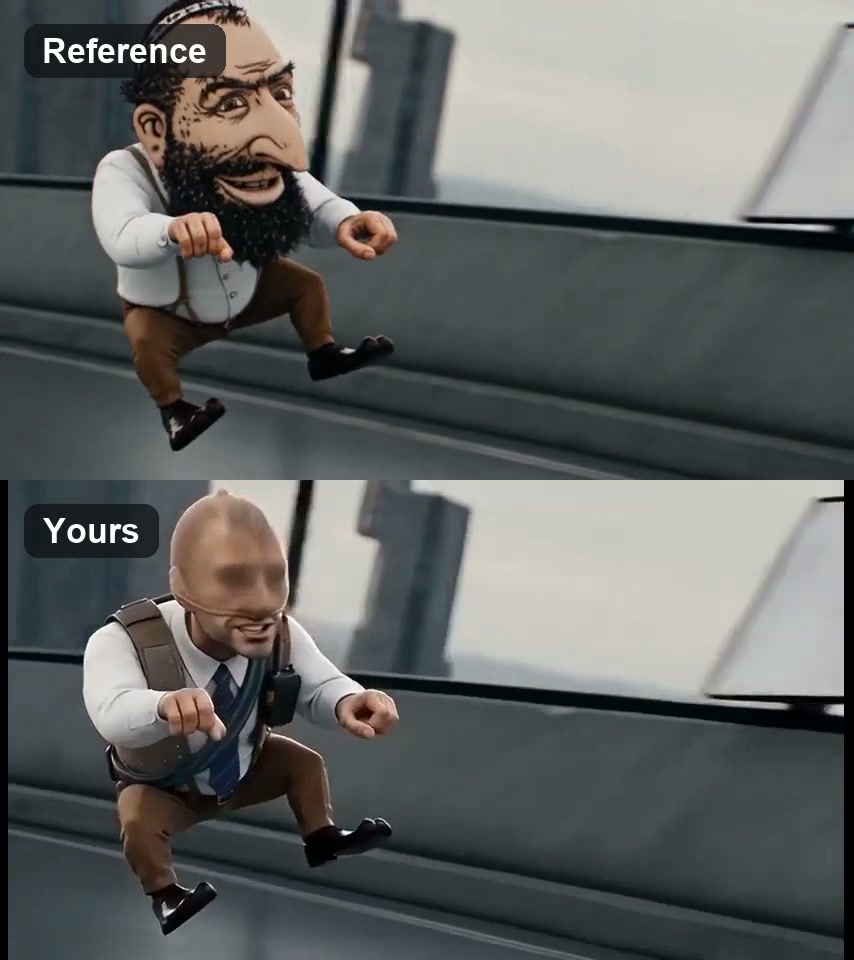
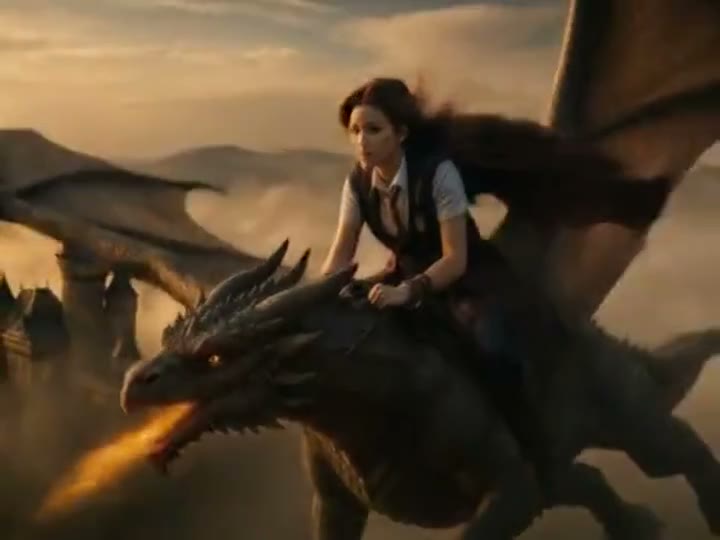
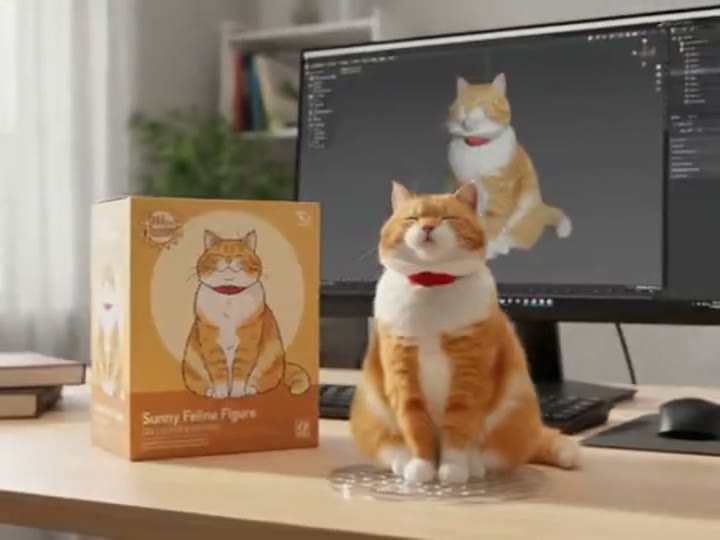
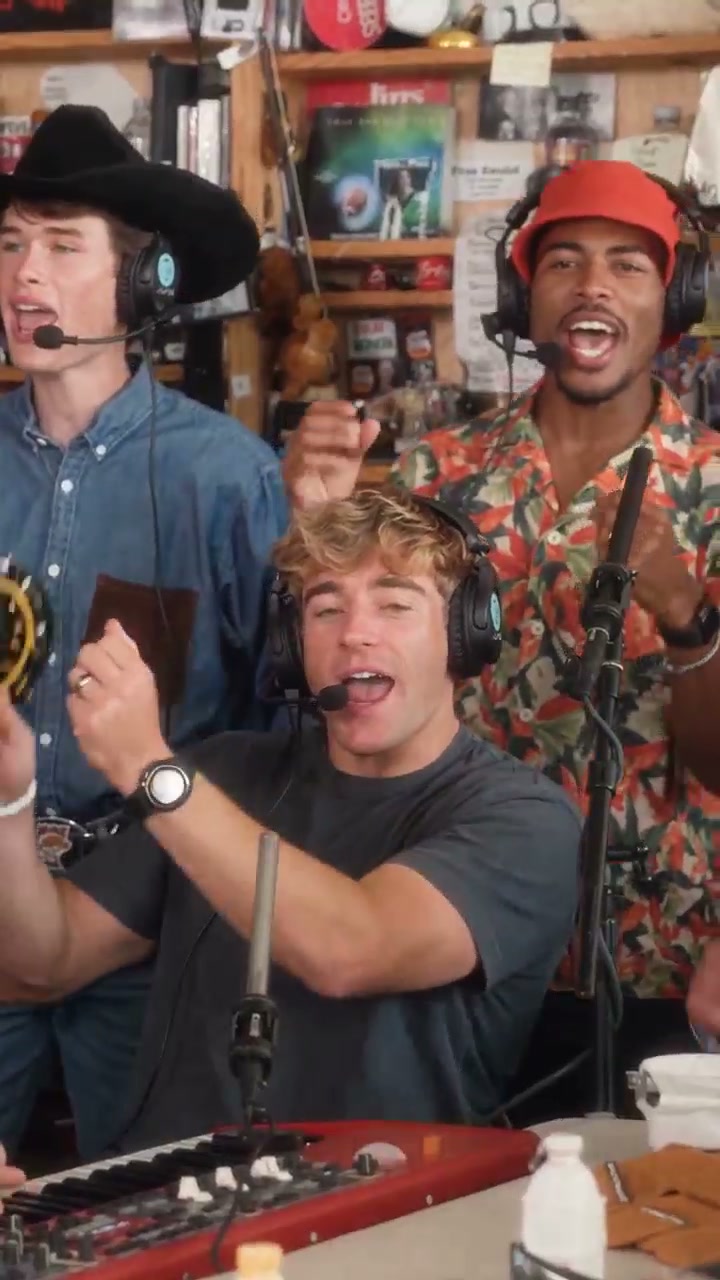
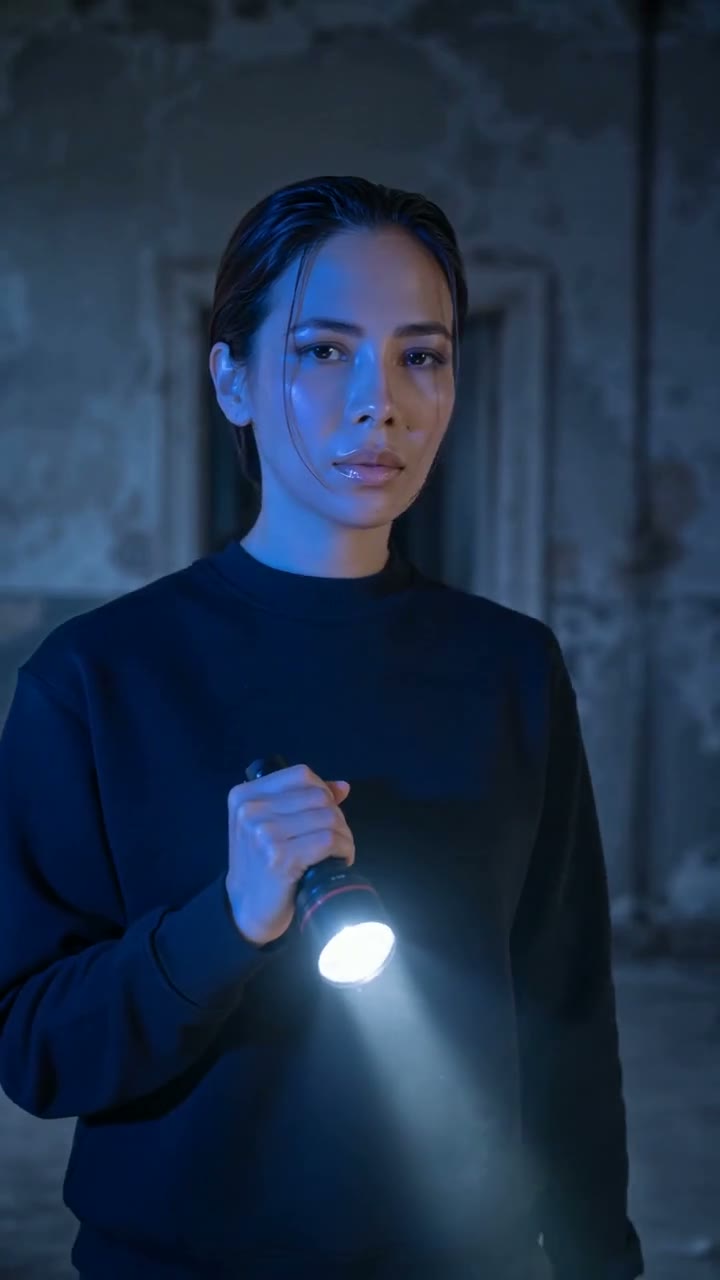
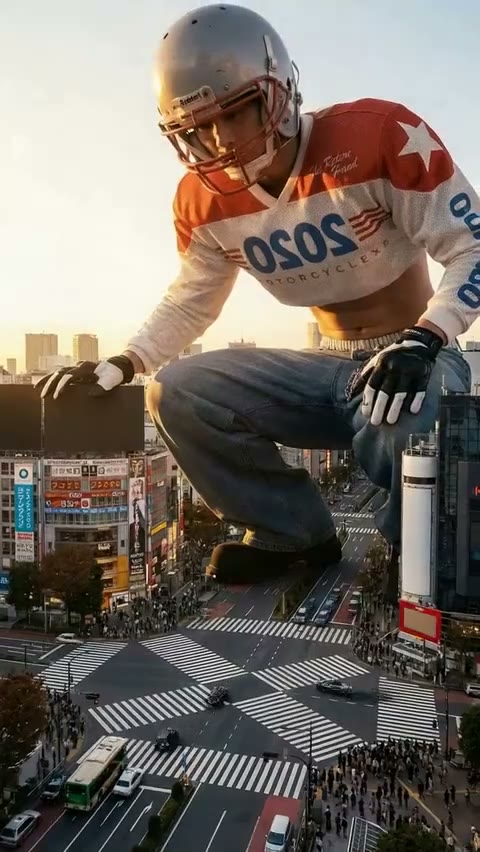
Your agent looks at how the speaker delivers the message: gestures, framing, speech rhythm and the sequence of ideas.
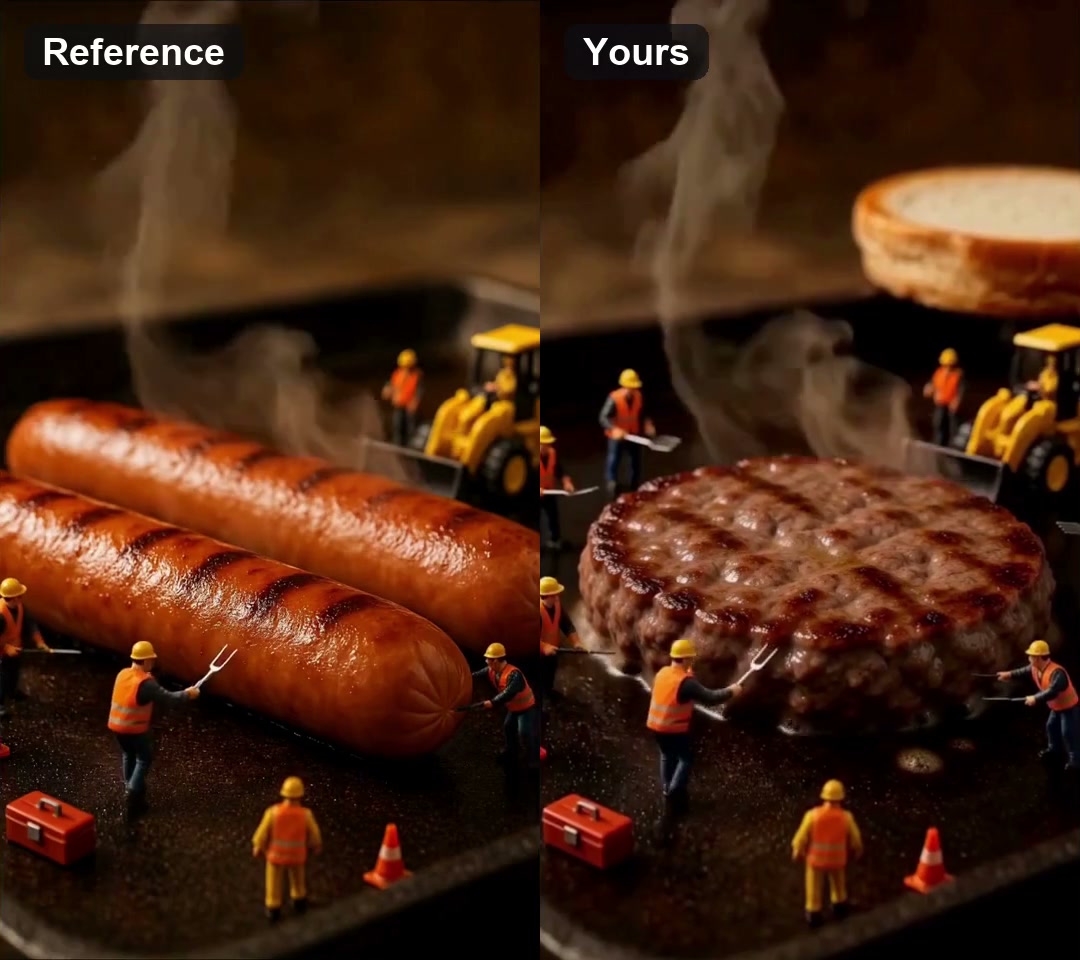
Adapt that structure to a new presenter and script, with your own message and setting. Keep the storytelling approach while making the performance your own.
rikoko helps you create and edit videos with an AI agent. Clone a reference video’s format, develop your own idea, or revise footage you already have. rikoko MCP connects the workflow to Codex, Hermes and Claude; the web app is the browser entry point.
For MCP, install rikoko on the machine your agent can access and follow that client’s connection guide. The browser web app does not require a local MCP installation. Check the web app for the services available to your account.
Choose the opening, shot structure, pacing or storytelling pattern you want to keep. Replace the product, people, dialogue and setting with your own. Ask the agent to identify what stays and changes before production, then review the result against that plan.
For an ad, bring product photos, your audience and approved product facts. For an edit, bring the source footage and describe the change. For a faceless video, provide the topic and source text, plus any narration and visuals you want to reuse. Add references for the people or products whose appearance matters.
Seedance Mini via SeeAPI is the default video-model preference for the hosted service. Ask your agent to inspect the models available in your connected runtime and select an interface that supports your reference inputs. Local trimming and export use your existing media; new AI video, images or voice require the corresponding configured service.
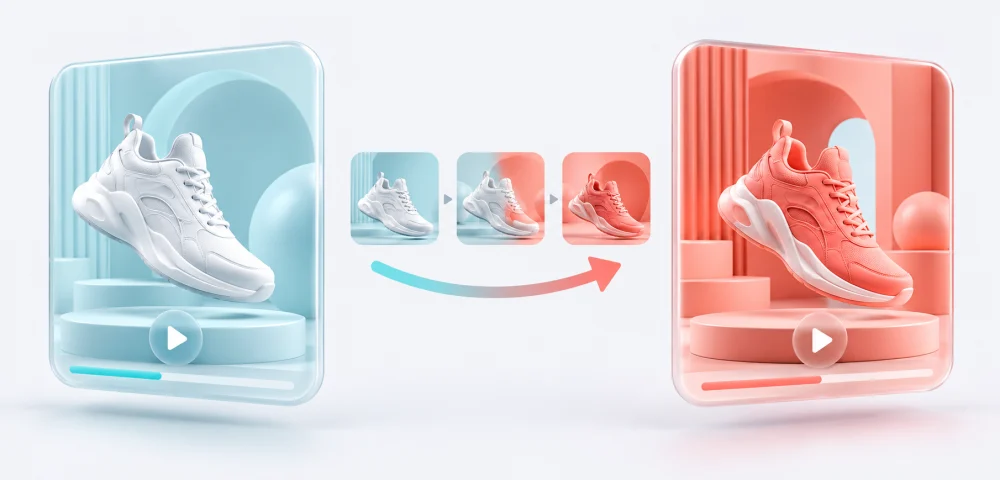
Yes. Identify the shot, caption or time range and describe the change. Ask to reuse the approved footage for timing, text and audio edits. If the change needs a newly generated shot, review its model usage before proceeding. Keep the project or workspace link so you can continue from the latest version.